Icon:


Pipes > Labels > Station on Poly
General > Labels > Station on Poly
General Tab > Labels Panel > Station on Poly
|
Icon: |
|
| Menu: | Alignments > Labels > Station on Poly
Pipes > Labels > Station on Poly General > Labels > Station on Poly |
| Ribbon: | Alignments Tab > Utilities Panel > Station on Poly
General Tab > Labels Panel > Station on Poly |
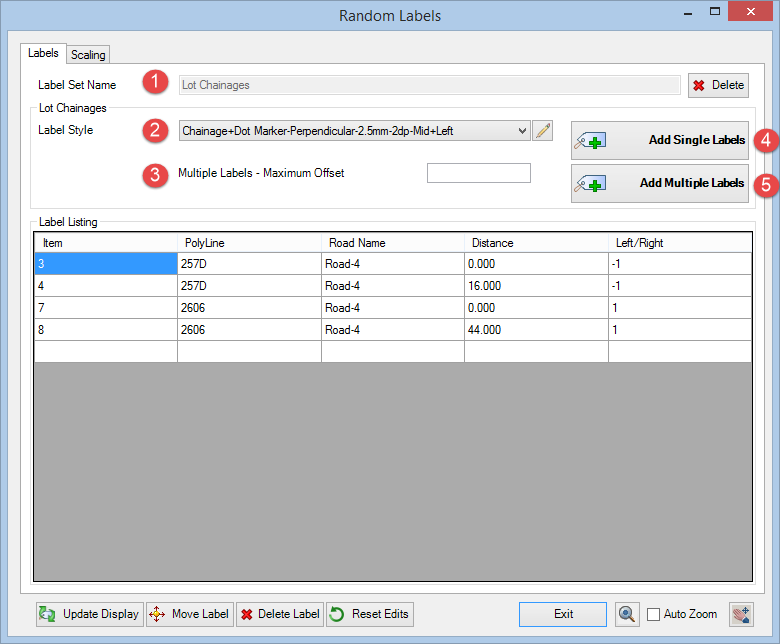
The Stations on Poly tool enables the user to create Labels diplaying alignment information on polyline vertices or picked points on a polyline. Each Label is stored in a list and can be individually styled according to user requirements.
This tool is very useful if the user requires stations at lot frontages. The user can either pick individual points or allow the tool create multiple labels at maximum intervals.
The user can create a Label Set which will contain custom Label Styles and choose polyline objects.
In the example below, the user can  create a Label Set called 'Lot Stations',
  create/choose a Label Style which displays a marker/elevation at each point or vertex and if mulitple labels is select,
  choose a maximum multiple label distance.
The user can choose from Labeling  single picked points along the polyline or
  multiple offset points along the polyline.
 |
**WARNING** Please note that EXPLODING polylines that have Labels will result in the permanent deletion of the Labels. The Label items will still remain listed in the Label Listing table but cannot be retrieved.
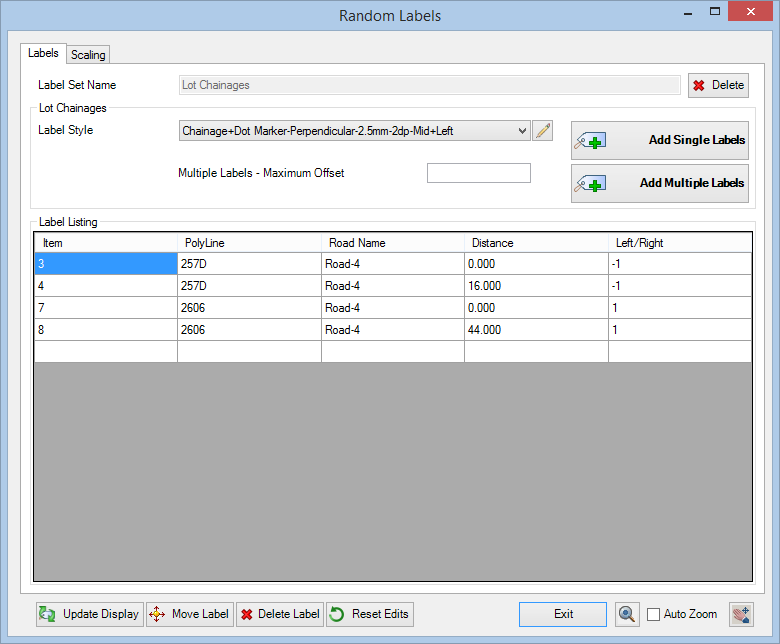
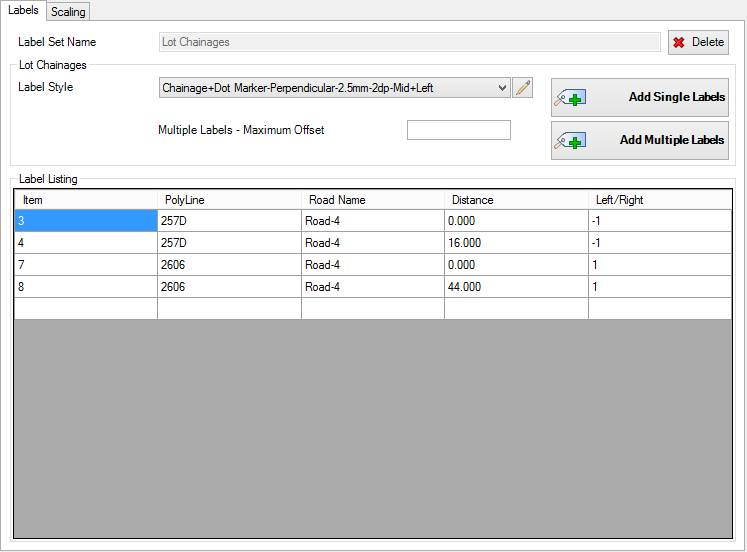
Upon selecting the command the following form is displayed:
|
|
|||||||||||||||||||||||
|
Label Set Name |
Name of the currently selected label set (not editable). |
||||||||||||||||||||||
|
|
Delete the current Label Set Name with option to delete all associated label objects in drawing |
||||||||||||||||||||||
|
Labels Tab |
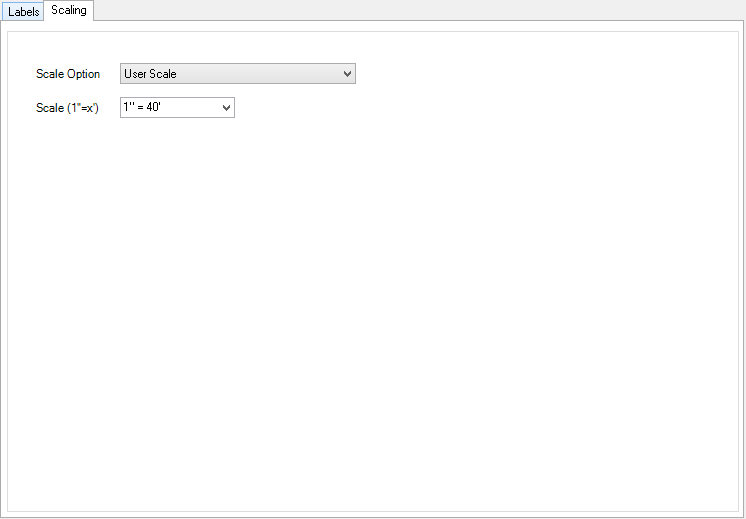
This tab manages the parameters for the labels |
||||||||||||||||||||||
|
|
|
||||||||||||||||||||||
|
Scaling Tab |
This tab manages the scaling of the labels within the drawing |
||||||||||||||||||||||
|
|
|
||||||||||||||||||||||
|
Output / Editting |
These functions enable the user to edit & refine the labels in the drawing |
||||||||||||||||||||||
 |
|||||||||||||||||||||||
|
|
Select to update the display of all labels in the drawing |
||||||||||||||||||||||
|
|
Select a label from the list to move within drawing. User will be prompted to pick a new label position on screen |
||||||||||||||||||||||
|
|
Select a single label from the list and delete from the drawing |
||||||||||||||||||||||
 |
Select to reset grip editted labels to default positions. This will also restore any Labels that have been accidentally erased from the drawing. | ||||||||||||||||||||||
 |
Ticking this box will zoom the screen to a selected label in the list | ||||||||||||||||||||||
 |
Exit the Surface Labels command | ||||||||||||||||||||||

 Edit Label Style
 Label Styles