House Connection
Icon: |
 |
| Menu: | Pipes > Legacy Labels > House Connection General > Legacy Labels > House Connection |
| Ribbon: | General Tab > Legacy Labels Panel > Create Labels Dropdown > House Connection |
Introduction
This tool will enable the user to custom label the house connections in the drawing.
House connection labels can be set to different positions along the house connection (eg: start, end, midway) and also be set with particular angles relative to the house connection (parallel, perpendicular, etc).
It is envisaged that users will want different Label Styles (containing different house connection data) to be placed at particular locations along the house connection.
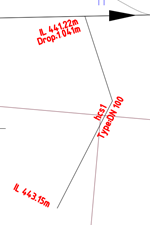
An example of house connection labels applied to the start, midsection, and end of the House Connection is shown, below.
Details
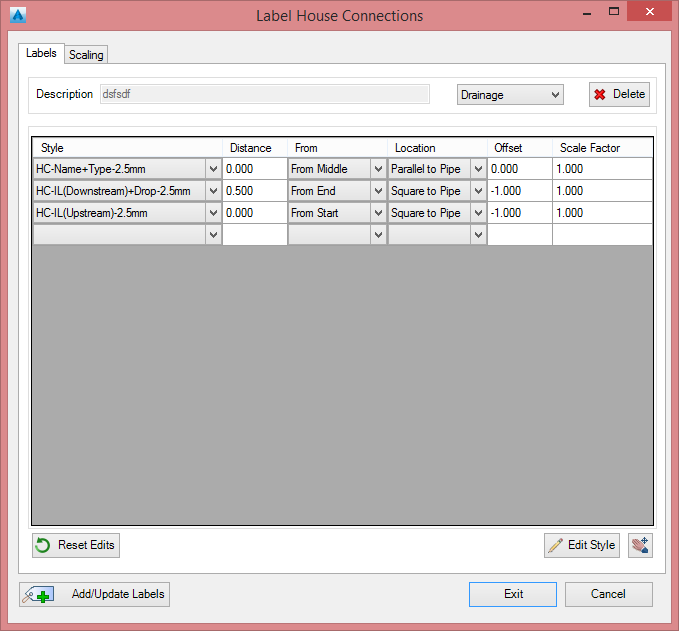
Upon selecting the command the following form is displayed:
|
|
|||||||||||||||||
|
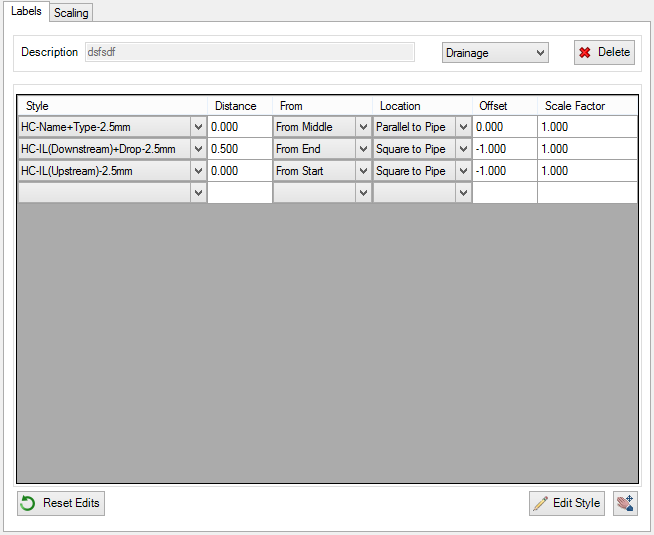
Labels Tab |
This tab manages the parameters for the labels |
||||||||||||||||
|
|
|
||||||||||||||||
 |
Select to reset grip edited labels to default positions. This will also restore any Labels that have been accidentally erased from the drawing. | ||||||||||||||||
 |
Select to edit the House Connection Label Style | ||||||||||||||||
|
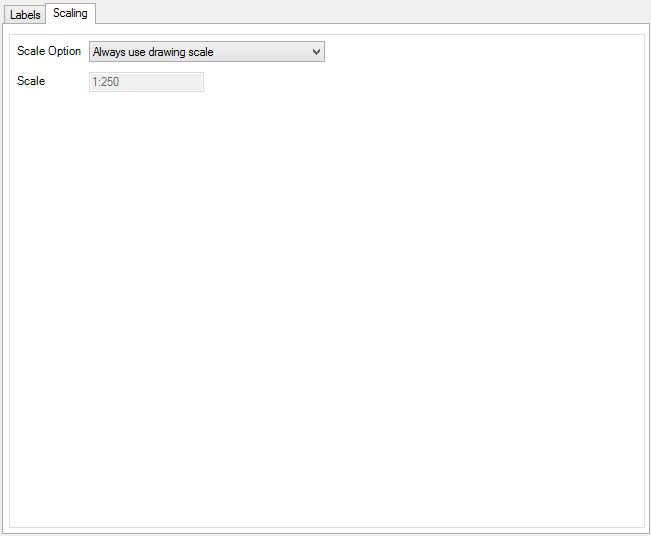
Scaling Tab |
This tab manages the scaling of the labels within the drawing |
||||||||||||||||
|
|
|
||||||||||||||||
|
Output |
|
||||||||||||||||
 |
Select to update the display of all labels in the drawing | ||||||||||||||||
|
Exit |
Apply and exit. |
||||||||||||||||
|
Cancel |
Exit the form without deleting any data. |
||||||||||||||||