Delete Objects
Icon: |
 |
| Menu: | CSD A.I. > Project Assist > Delete Objects |
| Ribbon: | CSD A.I. Tab > Project Assist Panel > Delete Objects |
Introduction
This command provides functionality to delete the following objects:
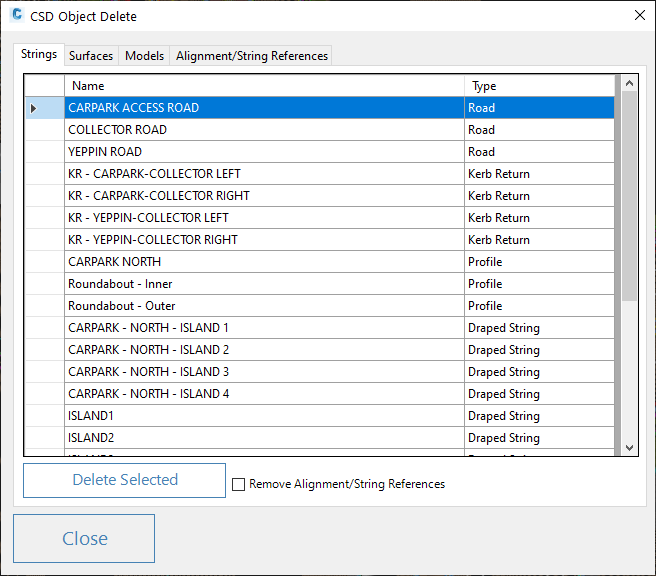
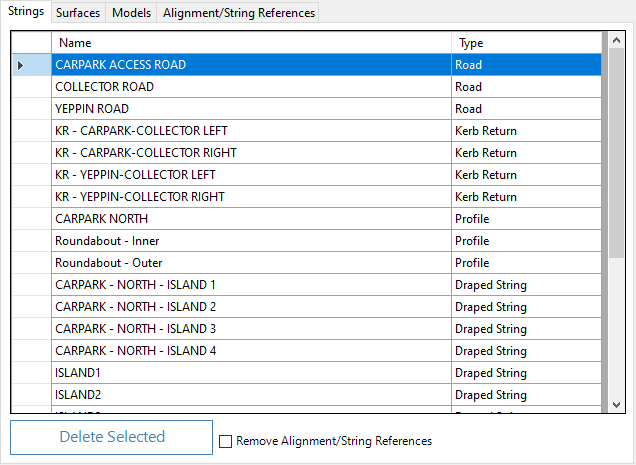
Created Strings. All string types will be listed for deletion
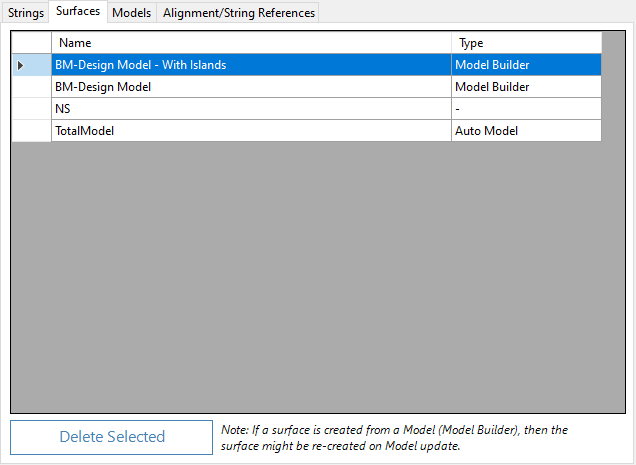
Created Surfaces. All CSD surfaces are listed. Note that surfaces created from Model Builder, and TotalModel, will be recreated when the design model/s are updated
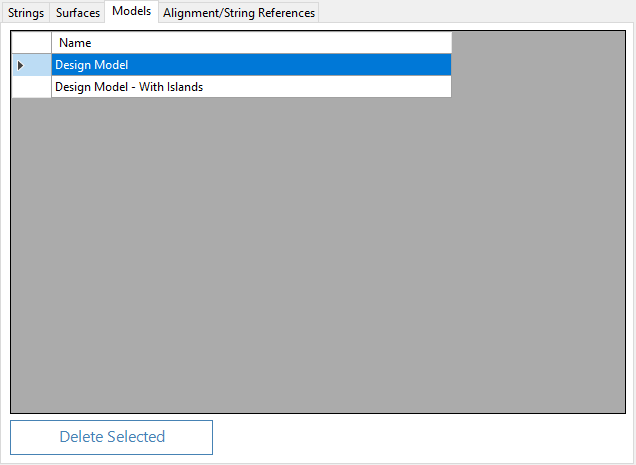
Created Models. These are created using the Model Builder command.
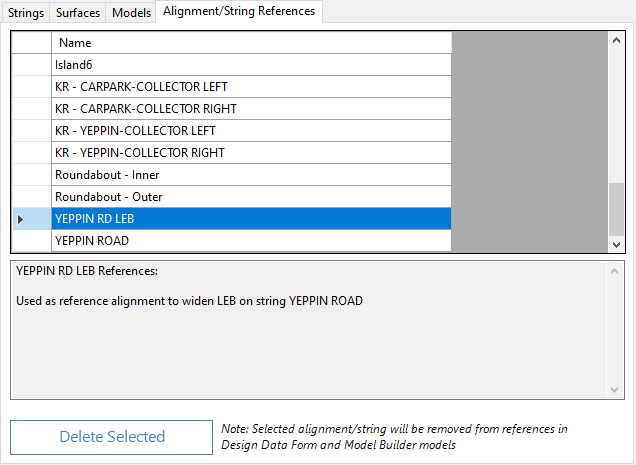
AlignmentString Reference. This lists all alignments and strings that are used by other strings in the project (such as using an alignment to change the offset of a code). This will remove entries from the Design Data form on any affected strings
When hovering over strings and alignments to delete, a highlight will display in the drawing for the selected object. The form is modeless, so the user is free to pan and orbit in the drawing to focus on object highlights.
Multiple objects can be selected by holding down Shift or Ctrl during selections. Highlighted objects are deleted when the Delete button is pressed.
Models are updated as strings and alignments are removed. When Reference Alignments/Strings are deleted, the entries for these in the Design Data form of other strings will also be removed.
Details
Upon selecting the command the following form is displayed:
|
|||||||||
Close |
Click on Close to close the form | ||||||||
Tabbed Inputs |
Select a tab for the objec type to remove. | ||||||||
Strings Tab |
|
||||||||
Surfaces Tab |
|
||||||||
Models Tab |
|
||||||||
Alignment/String Reference Tab |
|
||||||||